Writes a backup file every hour
A JSON file and a page of links go to Downloads/Tabkept. They stay if Chrome is reset or Tabkept is removed.
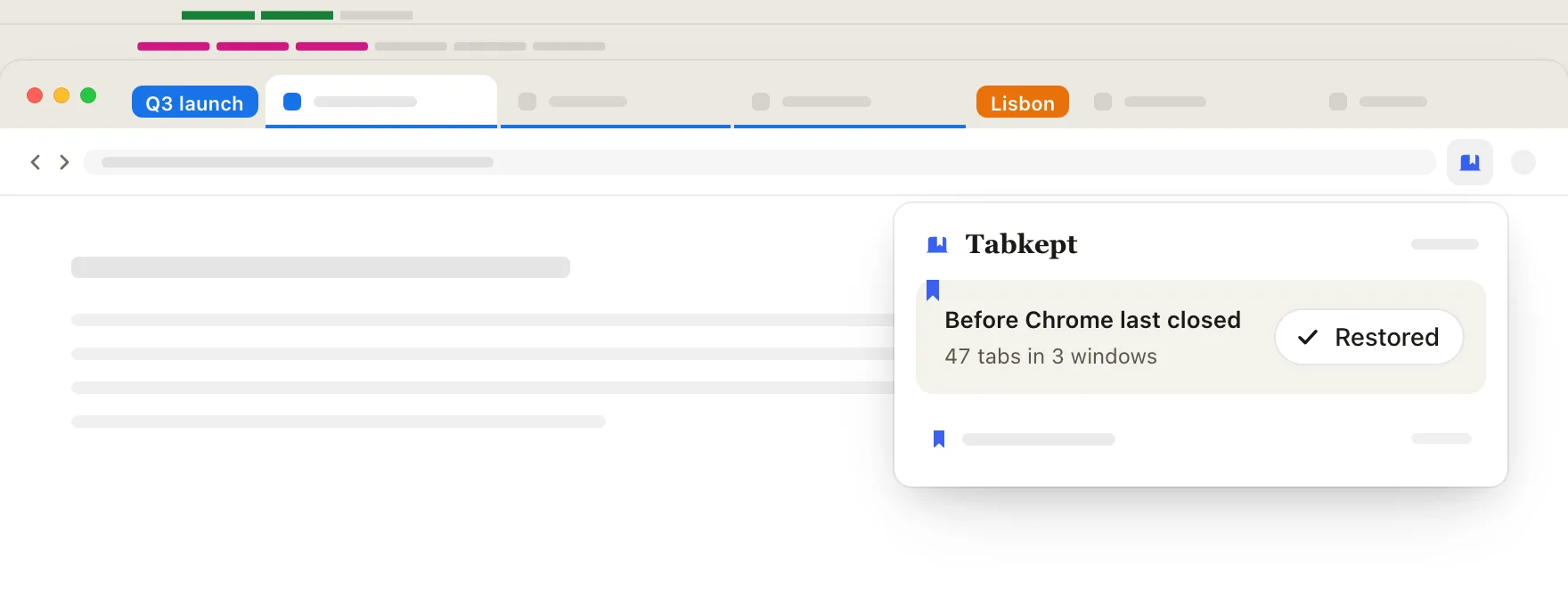
Tabkept records every window, tab and group a couple of seconds after it changes, keeps each save from the last 24 hours and writes a backup file you own every hour.
Tabkept keeps every save from the past day, one an hour for a week and one a day for 90 days. Drag the ribbon back to any save and restore it.
A couple of seconds after a tab opens, moves or closes, Tabkept stores every window, link and group, with its name, colour and whether it was collapsed.
If saving ever stops, the toolbar icon turns into a warning instead of failing quietly.
3 windows · 17 tabs · 3 groups
Tabkept makes no network requests, never reads a page and keeps what it closes in a bin for 30 days.
A JSON file and a page of links go to Downloads/Tabkept. They stay if Chrome is reset or Tabkept is removed.
Imports exported session files, CSV, lists of links, Chrome bookmark files and its own backups.
What people ask before they install a tab tool. Anything else goes to the issue list. Ask on GitHub
It can:
Saving a tab means storing its address and title. They stay in this browser and in backup files on your computer.
It keeps its place, title and icon, frees its memory and loads when you click it.
In this browser, and every hour in a file in Downloads/Tabkept. Removing Tabkept leaves the files.
No. Chrome doesn't let extensions restore it, so a tab starts at the page it was on.
Only if you turn that on and allow Tabkept in Incognito. They come back as private windows.
